
Understanding YOUR Sidus Link and DMX Programing
What is Sidus Link and How can I Use it in My Next Production?
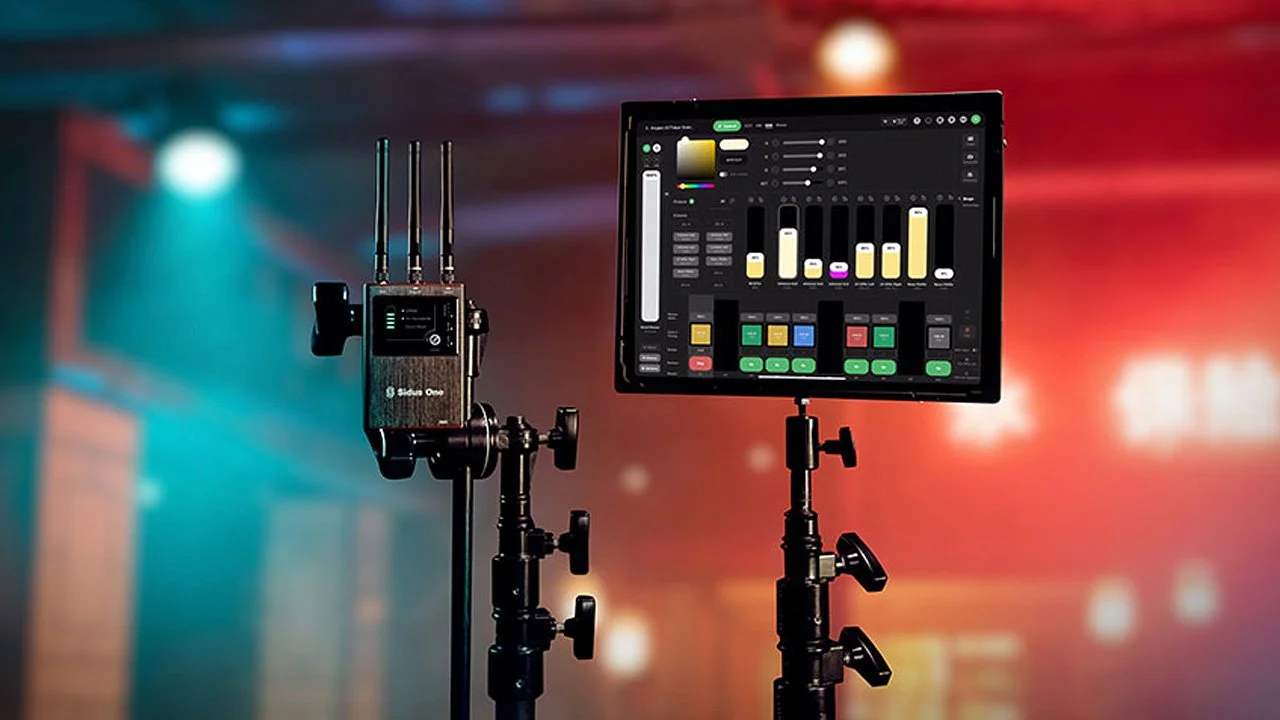
Sidus link is a mobile app produced by Aputure to help gaffers and those alike control their lights during set remotely.
What does this mean? It lets YOU program your Sidus equipped lighting to switch quickly between intensities, modes, and colors all with just a press of a button speeding up production massively. Not only can you create lighting presets but you can adjust on the fly with just a couple of taps.
Although you can adjust your lights through presets, you are majorly restricted without the Sidus One or Sidus Four. These devices transmit DMX data via wire or wirelessly though the Sidus Link App. This allows you to create cues execute scenes and connect to more than just Sidus equipped lights. Before we get into connecting lights via DMX it is important that you understand how DMX channels, profiles, and universes work.
Understanding DMX and its Language
DMX is a tricky topic to navigate as many of the same words are used to describe the same thing. DMX and XLR are often used interchangeably, but the correct teminology is, DMX is the cable type and ecosystem while XLR is just the connector type at the end of a cable. An important note is that DMX is a cable type while also being the ecosystem that the information is transmitted.
A DMX Channel is a unit of measure ranging from 0 to 255 that tells a lighting fixture to set a certain value. For example pushing the DMX channel that is programed to a lights intensity to 255 would set the lights intensity to 100%.
A Digital Multiplex (DMX) Universe is a system of 512 different channels that transmit the value of 0 to 255 to and from lighting fixtures and control boards. Most devices that receive DMX require multiple channels to regulate each control. For example LED strips would use 3 DMX channels - 1 for red, 1 for green, 1 for blue. While some Aputure Infinibar setups can use all 512 DMX channels for one light. It is important to use the owners manual provided with your DMX fixtures to correctly program them to your system.
Programing is assigning channels to a specific value for a light, for example the intensity percentage of a light fixture. It is important that when programing your fixtures to your transmission unit (light board, Sidus Link, etc.) you are specifically programing them with their designated field typically found in the owners manual. When programing multiple lights to one universe, ensure that you use separate channels and adjust the lighting fixture according to the first channel number.
Everything for Wired DMX
DMX is a tricky topic to navigate as many of the same words are used to describe the same thing. A Digital Multiplex (DMX) Universe is a system of 512 different channels that transmit a value from 0-255 to and from lighting fixtures and control boards. Most devices that receive DMX require multiple channels to regulate each control. For example LED strips would use 3 DMX channels - 1 for red, 1 for green, 1 for blue. While some Aputure Infinibar setups can use all 512 DMX channels for one light. It is important to use the owners manual provided with your DMX fixtures to correctly program them to your system.
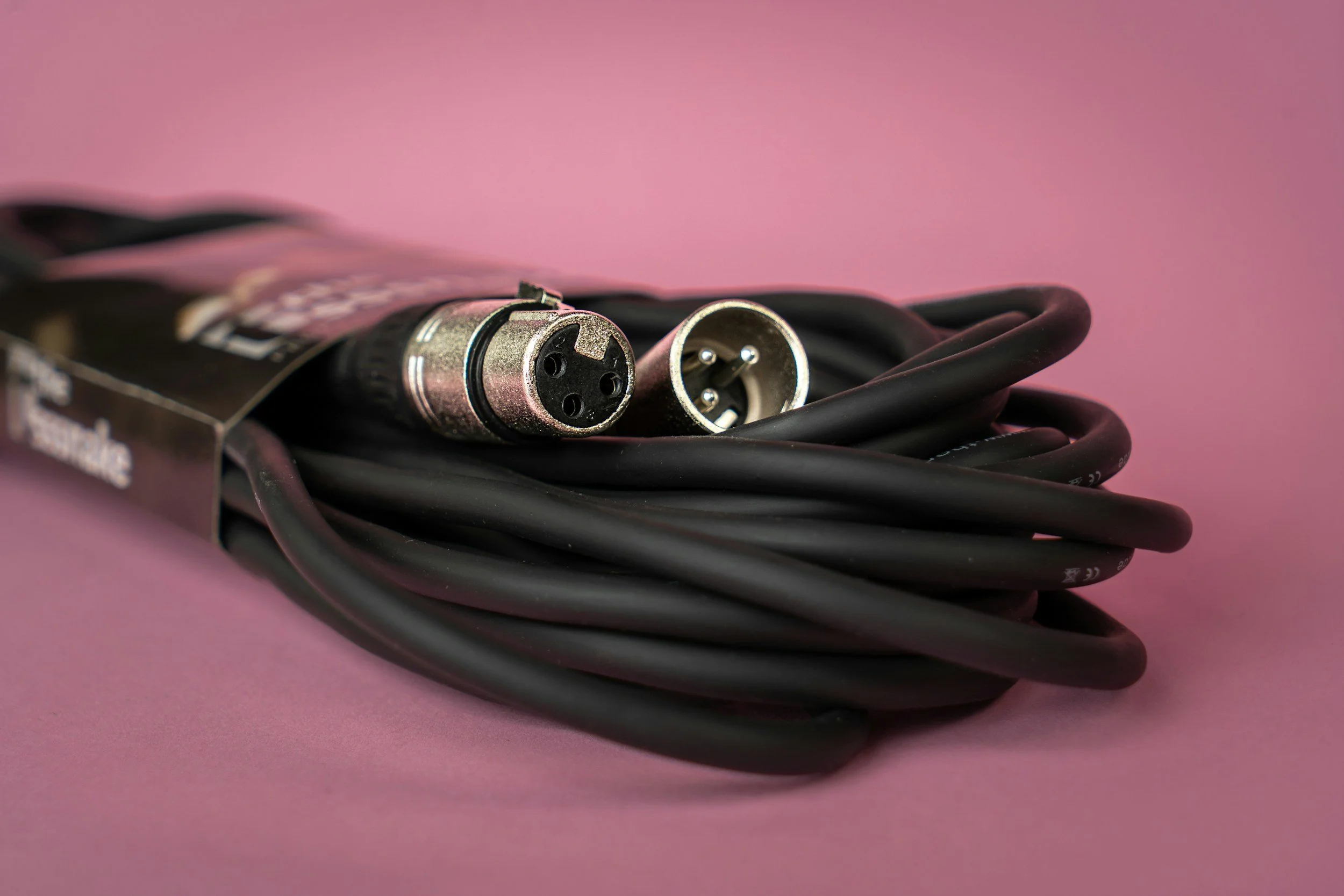
Here is a couple important notes for wired DMX connections:
DMX Cables can only carry one Universe each regardless of 3 or 5 pin XLR configuration.
Ensure your cables are rated for at least 110 ohms. If not, the cables can cause flashing and sudden random movements, especially on moving head fixtures.
Ensure that your DMX connections do not overlap channels.
Always be prepared for troubleshooting.
Everything for Wireless DMX
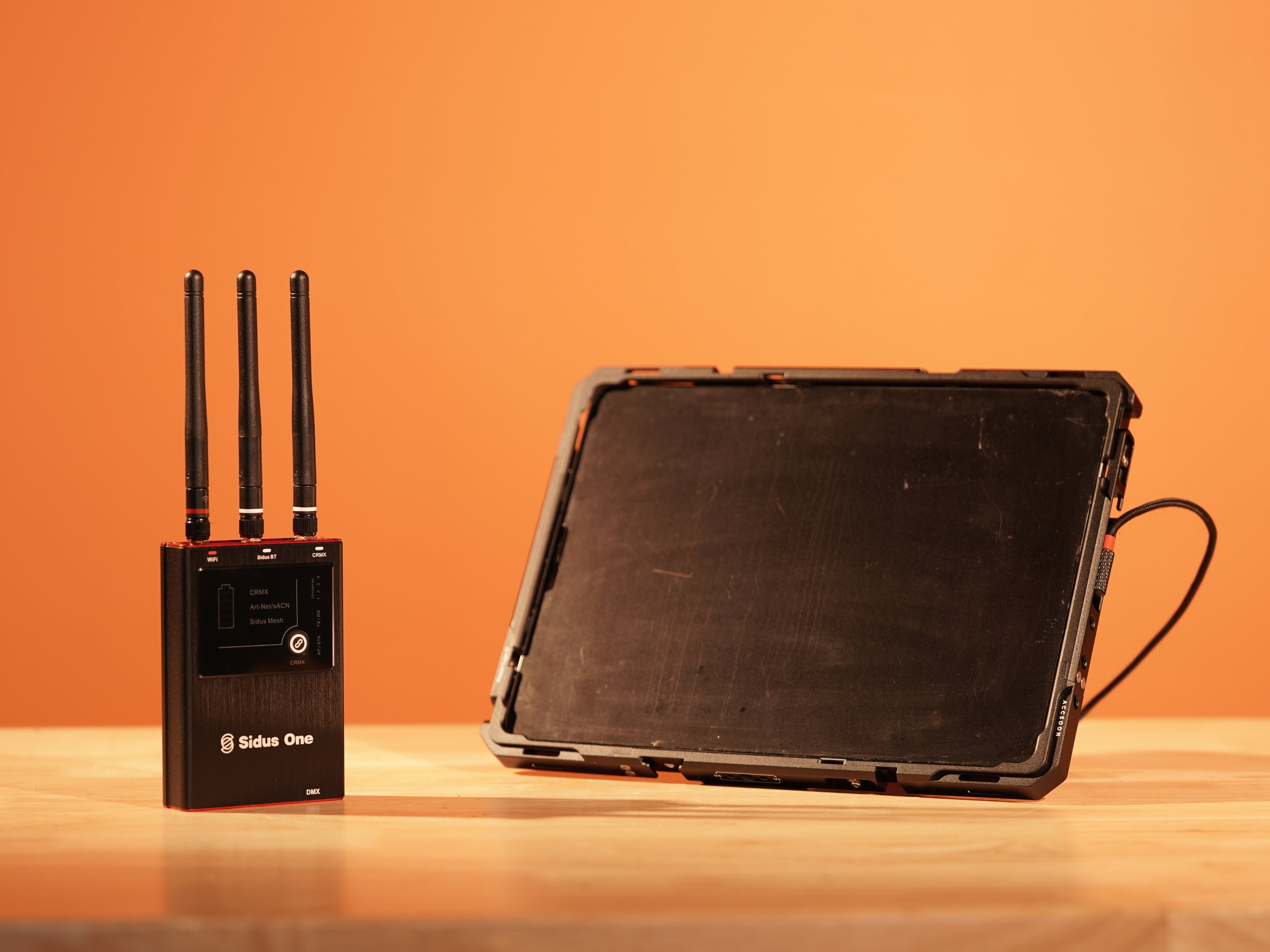
Wireless DMX is designed to operate exactly the same as a wired DMX connection. The main differences are found in the set up of lights, required components, and transmission.
Setting up wireless DMX fixtures is the hardest part, so if you can figure out the connection, you can figure out everything else. The first and most important set is to make sure that your wireless transmitter and DMX fixture are compatible, if not many wireless transmitter also can transmit wired connections. The set up for each transmitter is different but in essence you are scanning for available fixture to connect to and program them after their connection.
The required tools needed for wireless transmission is a software like Sidus link paired with the sidus one. One great note is that your mobile device cannot transmit the connection needed for DMX transmission therefore having a transmitter like the Sidus one allows you to transmit the correct signals for your DMX units. Some new light boards are coming out with their own version of wireless transmission to connect to wireless units. Although these are becoming increasingly common they are typically in the high price range of this department.
The Sidus Ecosystem was Created for Dynamic Use Case
The Sidus One and Four were created to be as versatile as possible for each and every type of production, wether that be a concert or a small interview shoot it does it all. The best part is that they don’t just connect to Aputure brand lighting, they can also transmit to wired fixtures like moving heads, haze machines, and more.
The best part about these devices is that they can transmit both wired and wireless at the exact same time, from the same universe. This makes programing your lighting every easy to accomplish and keeping the amount of tools to a minimum. There is no programing magic that needs to happen to accompish this goal, just set your light fixtures to their programed channels and fire away.
The only downside is that the Sidus one can only transmit 1 DMX universe at a time, combining wired and wireless connections. On the other hand the Sidus for can transmit 4 universes wirelessly and 4 universes hardwired at the same time to total 8 possible universes. The Sidus four is made for large productions where multiple lights need to be set up and cue stacks need to access multiple universes to transmit information, while the Sidus one is for small productions and shoots with a couple lights and cue stacks that only need one universe to run.
Have a Complex Shoot Coming Up?
Shine Cine Camera Rental House here is Fort Worth, Texas has trained professional gear-heads ready to assist you in all your production needs from programming, lighting, camera, and even production equipment. Never hesitate to give us a call and we are glad to answer any and all of your questions.
For any inquiries contact us here:
email - hello@shinecine.com
phone - (682) 364-6778